Seedance 2.0: Unlock the New Paradigm of Truly Controllable Multimodal AI Video Creation
In today’s world of endless AI video tools, we still struggle with issues like "uncontrollable results", "style drift", and "lost details" — until Seedance 2.0 arrives. It redefines the boundary of "controllable creation": from multimodal input to precise reference, from character consistency to video editing, letting creators truly control visual storytelling with natural language.
What is Seedance 2.0?
Seedance 2.0 is a revolutionary multimodal AI video generation model that breaks the input limits of traditional AI video tools. It supports images, videos, audio, and natural language text inputs at the same time.
The biggest difference from other tools is: it lets you accurately "reference anything" with simple natural language — whether it’s camera movement from a video, character style from an image, or rhythm and atmosphere from audio, the model can understand and reproduce it precisely. It is built for "truly controllable professional creation", not random generation.
Core Features: Make Creation Freer and More Precise
1. Multimodal Input: Unleash Infinite Creative Combinations
Seedance 2.0 supports four input modalities and allows up to 12 files combined, giving you unprecedented creative flexibility:
- Images: Upload up to 9 images to define character appearance, scene composition, and visual style
- Videos: Upload up to 3 clips, total duration ≤ 15 seconds, for referencing actions, shots, transitions
- Audio: Upload up to 3 MP3 files, total duration ≤ 15 seconds, for rhythm sync and sound reference
- Text: Describe your creative intent in natural language to connect all reference materials
You can freely combine these inputs, such as "Use the person in this photo, reference the movement from this dance video, and match the beat of this music", letting the AI execute your idea accurately.
2. Reference Anything: Use Examples Instead of Complex Prompts
No more long prompts to describe actions or shots — Seedance 2.0 lets you "show, not tell":
You can reference almost anything from uploaded materials:
- Actions & choreography: replicate dances, martial arts, gestures and other complex sequences
- Visual effects & transitions: copy professional film-grade filters and transition effects
- Camera language: replicate push, pull, pan, tilt, movement rhythm, composition and angles
- Characters & scenes: keep facial features, scene atmosphere, and artistic style
- Sound: reference rhythm, tone, and emotion from audio
Simply label in your prompt, such as "Use camera movement from @video1 and character style from @image1", and the model will reproduce your desired effect precisely.
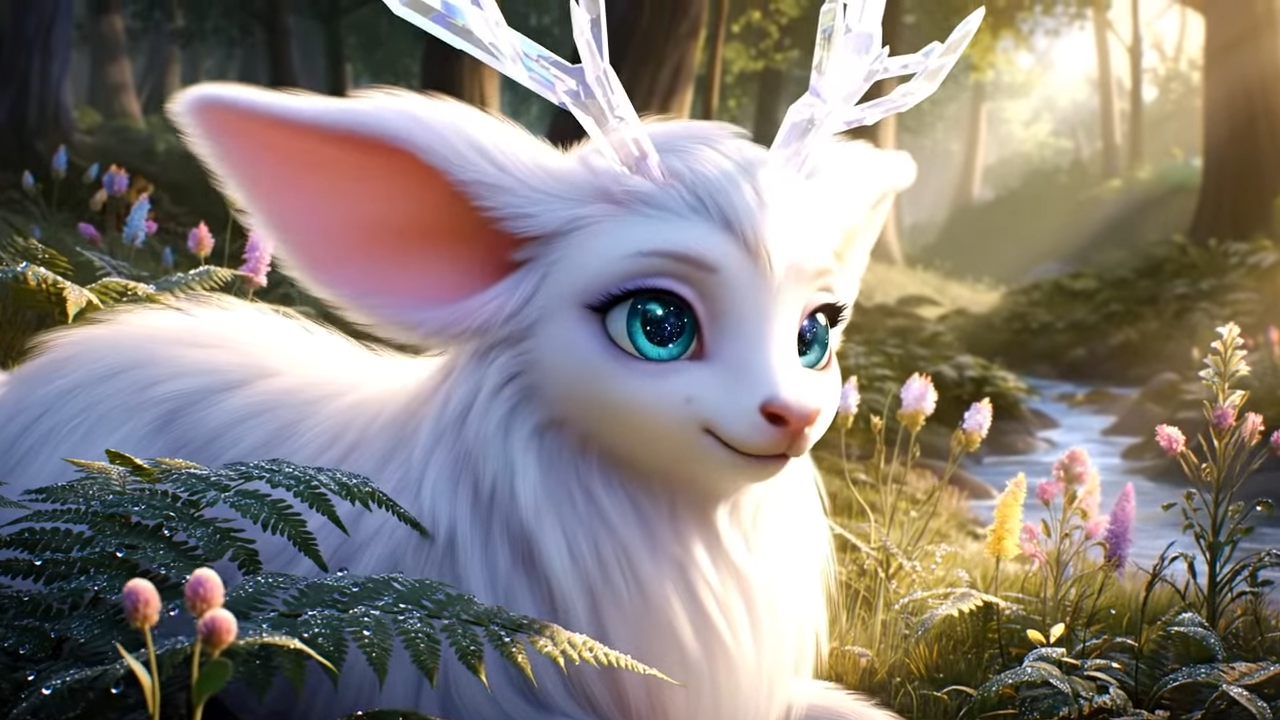
3. Excellent Consistency: Say Goodbye to Character Drift and Style Collapse
The most annoying problems in AI videos — "face distortion", "sudden clothing changes", "style jumping" — are fundamentally solved in Seedance 2.0:
- Maintain stable consistency of face, clothing, text, scene, and visual style throughout the video
- No detail loss or style drift between frames and shots
- Keep your character the same from start to end, with consistent scene quality
4. Precise Action & Camera Replication: Shortcut to Professional Creation
Want to replicate classic camera movements from movies? Or master a complex dance? Seedance 2.0 makes it easy:
- Upload a reference video with target actions or camera movements
- The model accurately extracts choreography, camera paths, and action sequences
- Directly apply them to your characters or scenes without manual frame-by-frame adjustment
This means you can "create on the shoulders of giants" — use professional camera language to achieve pro-level results quickly.
5. Video Extension & Editing: Refine Changes Without Starting Over
Seedance 2.0 supports non-destructive editing of existing videos, so you only modify what you need:
- Video extension: smoothly extend your video while keeping movement, style, and content continuous (e.g., extend 5s to 10s)
- Local editing: replace characters, modify certain actions, add/remove elements while keeping the rest unchanged
- Clip merging: combine multiple video clips seamlessly into a complete work
No more full regeneration over small issues — greatly improve efficiency.
6. Built-in Audio Generation: Complete Audio-Visual Sync
Besides supporting uploaded audio, Seedance 2.0 also has intelligent audio capabilities:
- Automatically generate scene-matching sound effects and background music
- Sync video perfectly with uploaded audio or music beats
- Give your work a complete, professional audio-visual experience
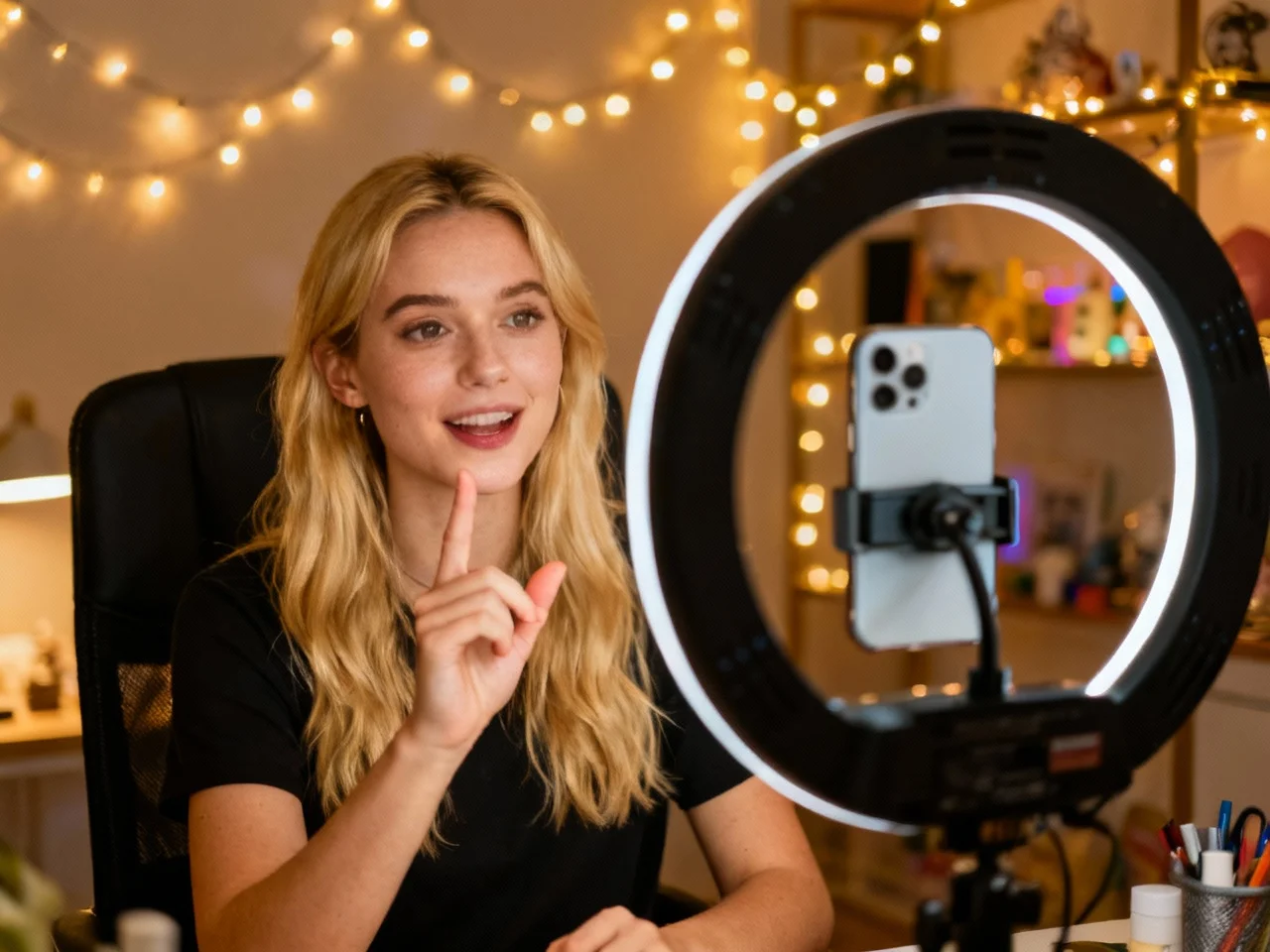
Use Cases: A Stage for Every Creator
Advertising & Marketing
- Product videos
- Brand content
- Commercials
- Successful ad template replication
Education & Training
- Course videos
- Tutorials and demos
- Interactive courseware
- Visual learning content
Creative Storytelling
- Short films
- Art projects
- Music videos
- Visual poetry
Social Media Content
- Instagram Reels
- TikTok videos
- YouTube Shorts
- Viral effects & template recreation
Action & Dance Videos
- Dance covers
- Action sequence replication
- Virtual motion capture
- Fast choreography reuse
Film Production Support
- Storyboard previews
- Shot and effect testing
- Camera movement & transition validation
- Low-cost concept video creation
Real Estate & Architecture
- Virtual property tours
- Architectural visualization
- Interior design showcases
- Virtual staging
Music & Audio Art
- Beat-synced videos
- Music videos
- Sound design
- Audio-visual artworks
FAQ
Q1: Does the generated video have a watermark?
A: Absolutely not! All videos generated by Seedance 2.0 are completely watermark-free and brand-free. You can download professional‑quality clean files directly, and your content is 100% yours.
Q2: How to keep characters consistent?
A: Seedance 2.0 optimizes consistency at the model level. It maintains stable facial features, clothing, and style throughout the video, solving the "drift" problem in traditional AI videos.
Q3: Can I copy camera movement from other videos?
A: Absolutely yes! Upload a reference video with your desired camera movement, and the model will extract and replicate it accurately in your content without complex prompts.
Q4: How do I start using Seedance 2.0?
A: It’s very simple:
- Register an account and choose a plan that fits you
- Upload your reference materials (images / videos / audio)
- Describe your creative idea in natural language
- Let Seedance 2.0 turn your multimodal vision into reality
Seedance 2.0 is more than an AI video tool. It’s like an assistant that executes your creativity precisely — turning creation from "random trial and error" into "controllable realization", so every creator can easily master professional video language.
Whether you are a marketer, educator, content creator, or filmmaker, Seedance 2.0 helps you turn your multimodal vision in your mind into tangible, high-quality video works.